> ## Documentation Index
> Fetch the complete documentation index at: https://developers.avacloud.io/llms.txt
> Use this file to discover all available pages before exploring further.
# Getting Started
### ChainKit SDK
The ChainKit SDK provides web3 application developers with multi-chain data related to Avalanche's primary network, Avalanche L1s, and Ethereum. With the Data API, you can easily build products that leverage real-time and historical transaction and transfer history, native and token balances, and various types of token metadata.
**Migration Notice**: This SDK was previously known as the AvaCloud SDK. We
have made namespace changes and will discontinue the AvaCloud SDK in favor of
the ChainKit SDK. For migration guidance and specific method updates, please
refer to the individual method documentation.
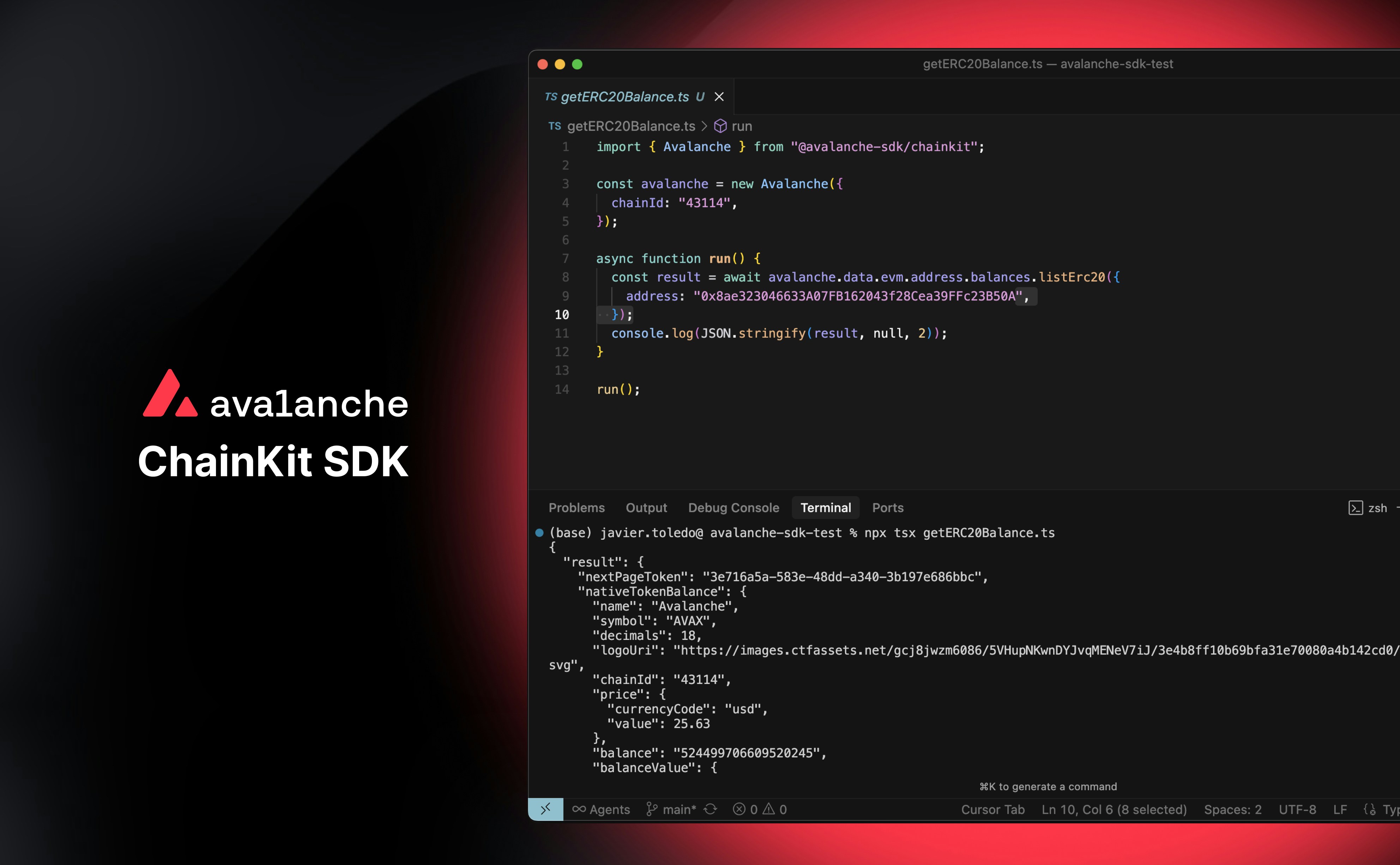 The SDK is currently available in TypeScript, with more languages coming soon. If you are interested in a language that is not listed, please reach out to us in the [#dev-tools](https://discord.com/channels/578992315641626624/1280920394236297257) channel in the [Avalanche Discord](https://discord.gg/avax).
[https://www.npmjs.com/package/@avalanche-sdk/chainkit](https://www.npmjs.com/package/@avalanche-sdk/chainkit)
[https://github.com/ava-labs/avalanche-sdk-typescript](https://github.com/ava-labs/avalanche-sdk-typescript)
### SDK Installation
```npm NPM theme={null}
npm add @avalanche-sdk/chainkit
```
```pnpm PNPM theme={null}
pnpm add @avalanche-sdk/chainkit
```
```bun Bun theme={null}
bun add @avalanche-sdk/chainkit
```
```yarn Yarn theme={null}
yarn add @avalanche-sdk/chainkit zod
# Note that Yarn does not install peer dependencies automatically. You will need
# to install zod as shown above.
```
### SDK Example Usage
```javascript theme={null}
import { Avalanche } from "@avalanche-sdk/chainkit";
const avalancheSDK = new Avalanche({
apiKey: "",
chainId: "43114",
network: "mainnet",
});
async function run() {
const result = await avalancheSDK.metrics.healthCheck();
// Handle the result
console.log(result);
}
run();
```
Refer to the code samples provided for each route to see examples of how to use them in the SDK. Explore routes here [Data API](/data-api/health-check/get-the-health-of-the-service),
[Metrics API](/metrics-api/health-check/get-the-health-of-the-service) & [Webhooks API](/webhooks-api/webhooks/list-webhooks).
The SDK is currently available in TypeScript, with more languages coming soon. If you are interested in a language that is not listed, please reach out to us in the [#dev-tools](https://discord.com/channels/578992315641626624/1280920394236297257) channel in the [Avalanche Discord](https://discord.gg/avax).
[https://www.npmjs.com/package/@avalanche-sdk/chainkit](https://www.npmjs.com/package/@avalanche-sdk/chainkit)
[https://github.com/ava-labs/avalanche-sdk-typescript](https://github.com/ava-labs/avalanche-sdk-typescript)
### SDK Installation
```npm NPM theme={null}
npm add @avalanche-sdk/chainkit
```
```pnpm PNPM theme={null}
pnpm add @avalanche-sdk/chainkit
```
```bun Bun theme={null}
bun add @avalanche-sdk/chainkit
```
```yarn Yarn theme={null}
yarn add @avalanche-sdk/chainkit zod
# Note that Yarn does not install peer dependencies automatically. You will need
# to install zod as shown above.
```
### SDK Example Usage
```javascript theme={null}
import { Avalanche } from "@avalanche-sdk/chainkit";
const avalancheSDK = new Avalanche({
apiKey: "",
chainId: "43114",
network: "mainnet",
});
async function run() {
const result = await avalancheSDK.metrics.healthCheck();
// Handle the result
console.log(result);
}
run();
```
Refer to the code samples provided for each route to see examples of how to use them in the SDK. Explore routes here [Data API](/data-api/health-check/get-the-health-of-the-service),
[Metrics API](/metrics-api/health-check/get-the-health-of-the-service) & [Webhooks API](/webhooks-api/webhooks/list-webhooks).